This is a question I get a lot: should we go digital or stick with traditional paper and pens for graphic recording at an event? How does it work if the graphic recorder is connected remotely?
Let’s have a look at the options.
The media
Analogue
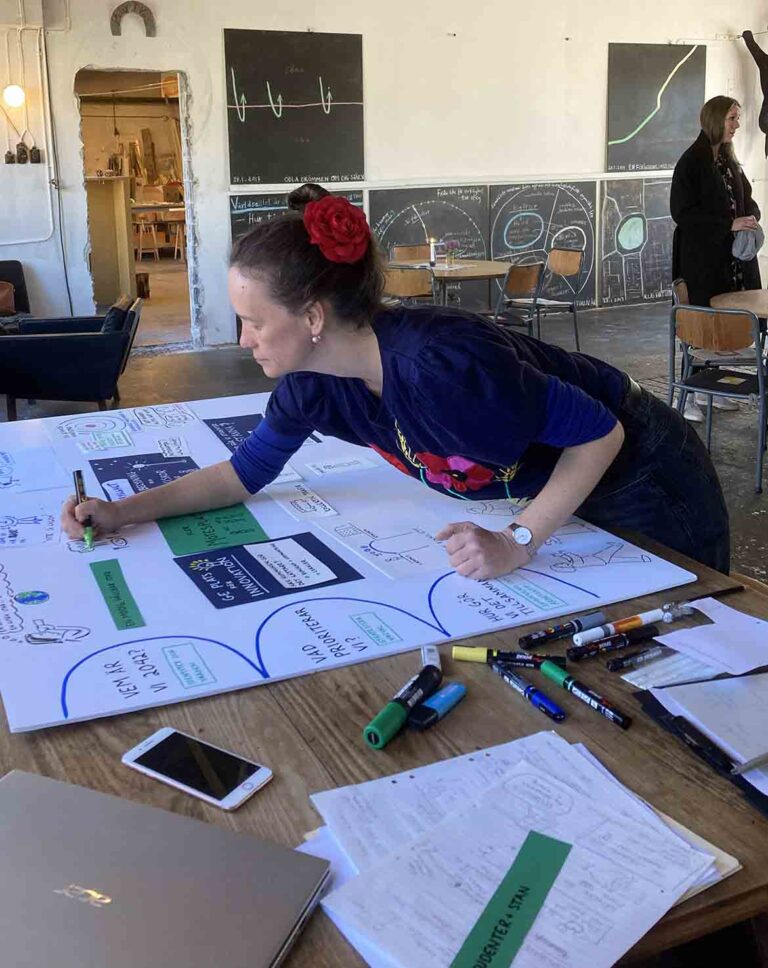
Yes, paper and pens still work, even in the digital era we are living in. And, actually, as AI makes its way into more and more aspects of our lives, the impact or paper and pens and a real person using them has increased. There is something charming, intriguing and captivating about it.
This is how graphic recording at conferences started out, back in the seventies. Paper and pens and stick figures that were used to capture and visualise the content of meetings and workshops. It’s nice to know that this method still works very well, even if I prefer to give my stick figures a bit of a body and some facial features.
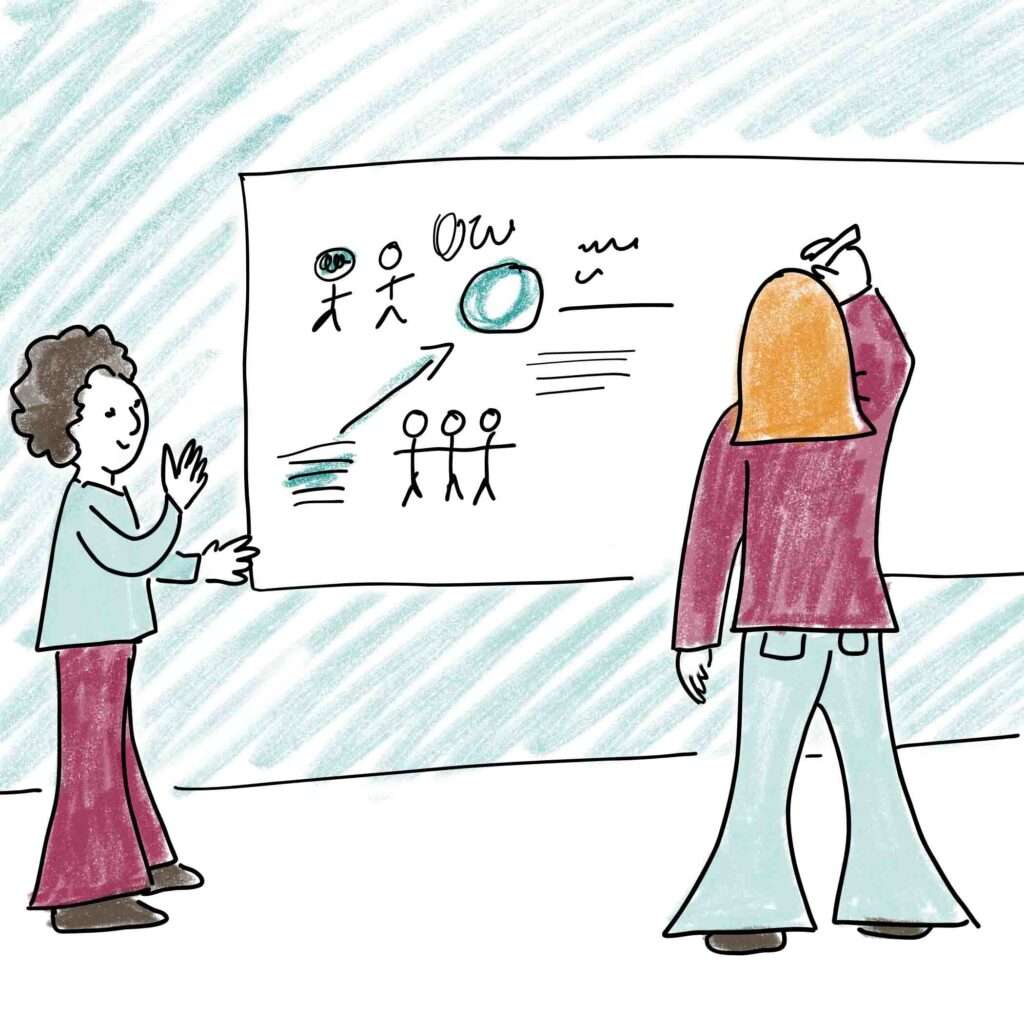
One disadvantage, compared to digital graphic recording, is that it is harder to use large areas of colour. This means that the finished illustration will probably have more white space and may look a little bit sketchier. I have developed a method of using coloured paper which I stick on to the paper or board (foamboard is more common than paper since it is lightweight yet stable and stiff). This is a good way of highlighting headings or key information.
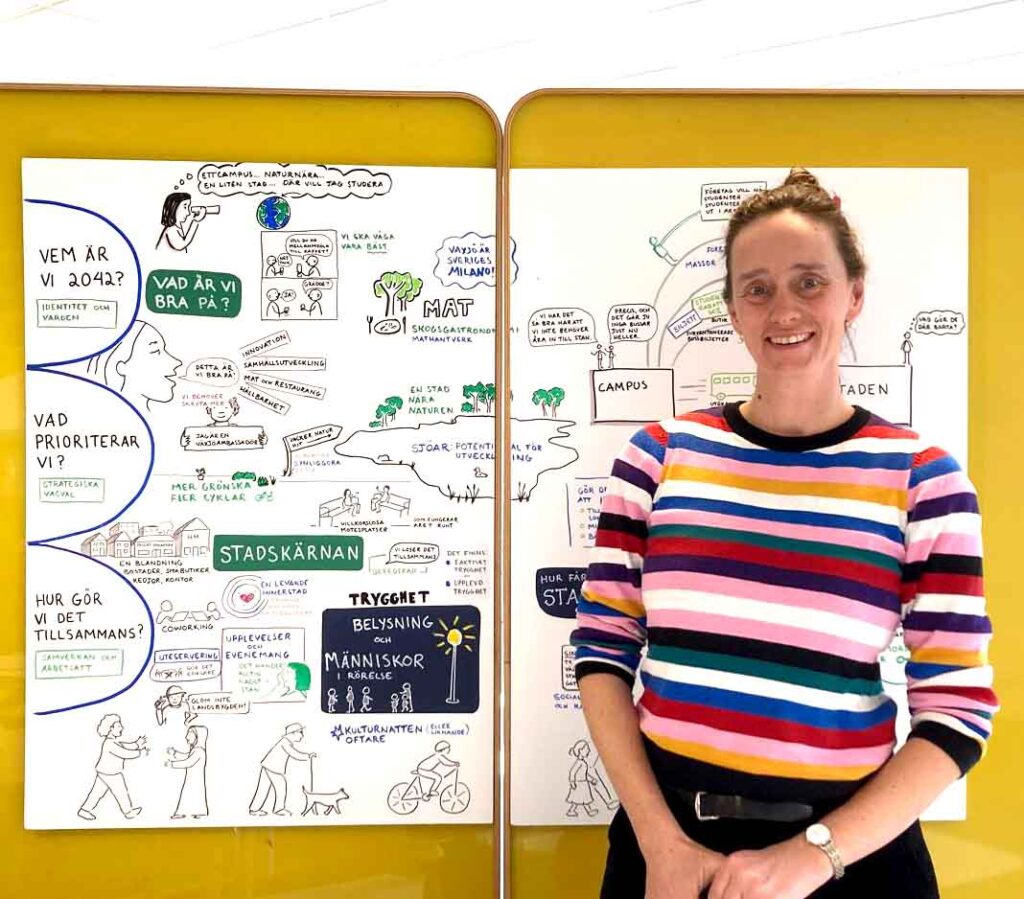
Photo: This is part one of a seven metre long graphic recording that I am doing for Växjö Munincipality.
Digital
A lot of graphic recording is done digitally these days. This means that the illustrator does their work on an iPad (or something similar – I use a Microsoft Surface Pro, but sometimes it feels easier to just say iPad).
The advantages of this are that:
- It is very easy to correct mistakes and re-organise the overall design as new information is added
- Most clients who order an analogue graphic recording at a conference want a digital version too This is fine, but going straight to digital makes the service cheaper for the client.
- It is ready for delivery within an hour of the event’s conclusion. That means that it can be shared with participants via email or social media before they have even arrived home.
How does it work? My drawing device is connected to a screen, either by a HDMI cable by way of your computer, or via an internet connection.
Visibility: the three options
Visible ALL the time
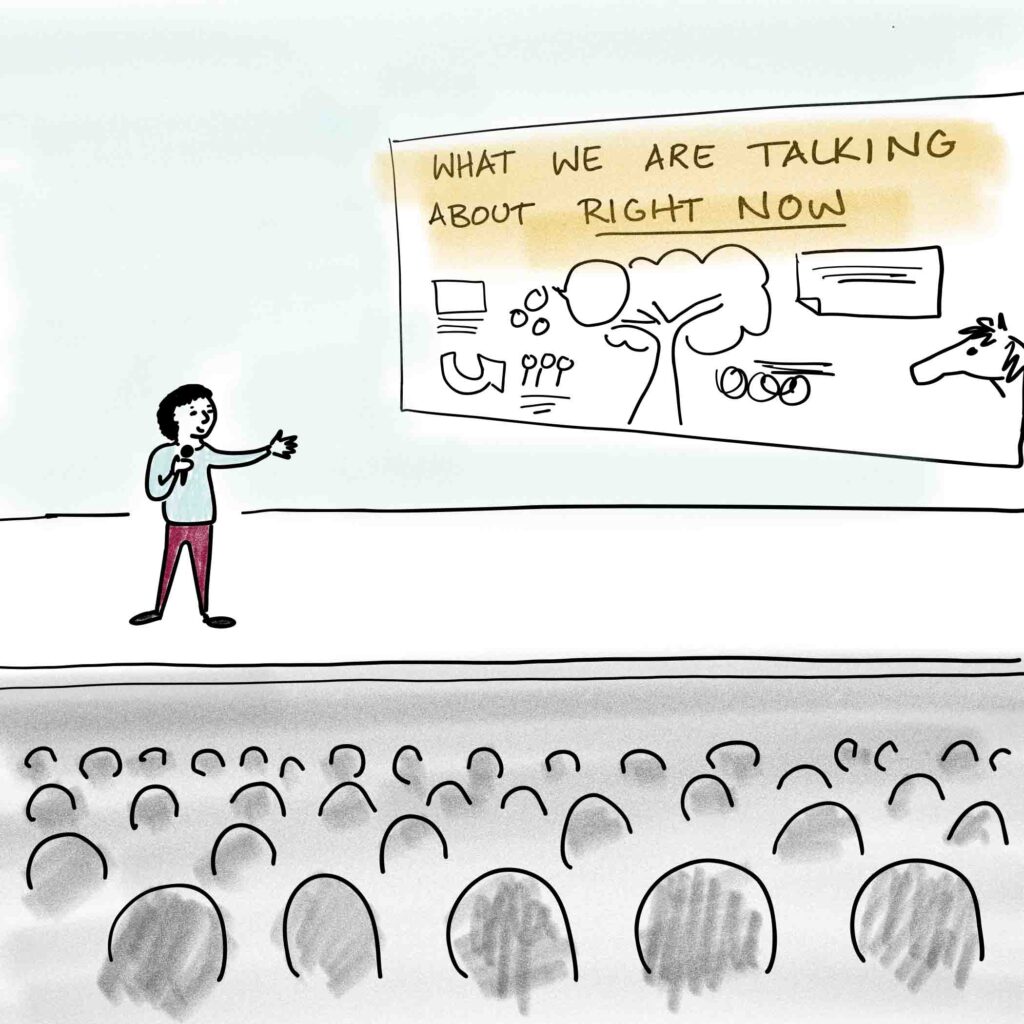
The boards or screen are visible all the time. Sometimes the screen is behind the speakers, more often it is off to one side, leaving the main screen available for the speaker’s Powerpoint slides.
People in the audience can see the illustration as it is created. This places enormous pressure on the illustrator to spell correctly and not make any large or distracting mistakes like accidentally using the paint bucket tool instead of the brush, thus turning most of the background black…
Visible at certain times
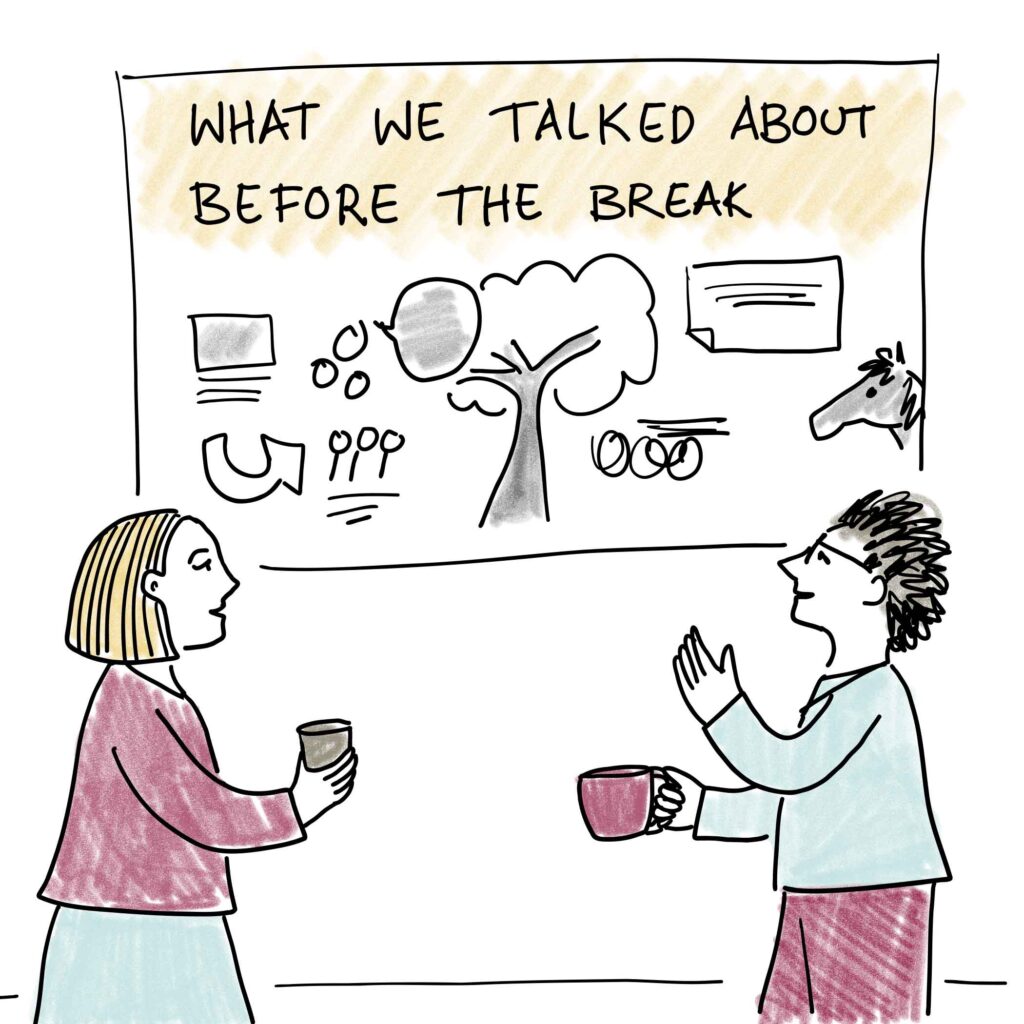
The illustration is created live but is only shown to the audience at certain times. Often this is at the end of a session, during the breaks, or as the participants are returning from a break. This is a great way to recap what has been said during a busy conference schedule.
It also works beautifully for citizen-authority dialogues, where a visual recap can help ensure that everyone feels heard before moving on to the next topic.
Used post-event
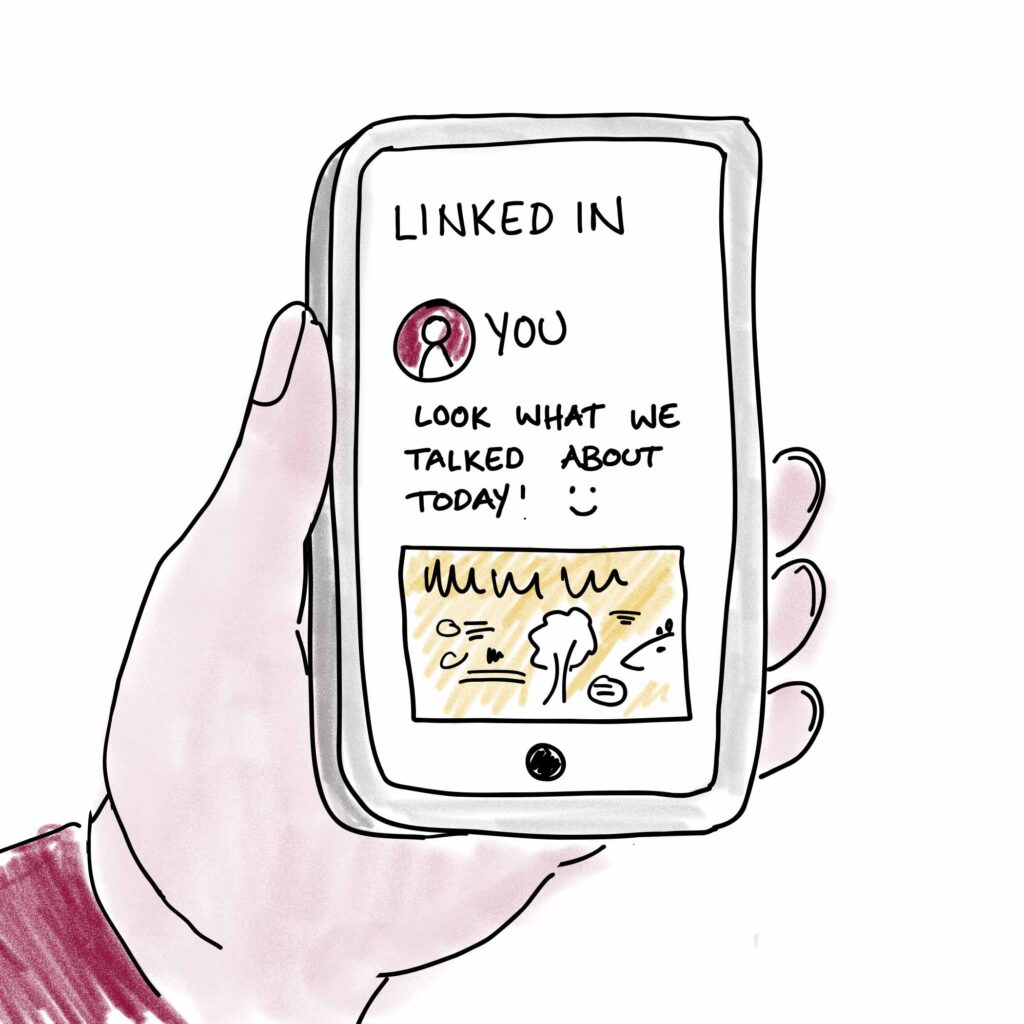
You don’t have to show the graphic recording during the conference at all. It can simply be a fantastic summary, a way to get attention online and a way to convince your participants to open a follow-up email from you.
Remote graphic recording vs. being at the event.
In-person
I enjoy being at an event and soaking up the atmosphere, meeting friendly people and see my work being viewed. But being at an event in-person also means travel time, solving logistical problems at home, and extra expenses for my clients.
Remote
Thanks to the magic of the internet, I can actually do graphic recording at your event without leaving my home. This works well when the whole conference is online.
I need to be able to hear and see the event via a video meeting platform. I connect to the same video meeting with my tablet and share my screen. You can then project this screen at your event.
Obviously, this also works well when the whole event is online, such as a webinar or online summit.
Do you want to find out more about graphic recording?
Check out my FAQ section on this page. It has lots of useful information!
Or get in touch and we can talk it through.